Action Camera Wi-Fi Says No Internet: Fixes for Drops and Battery Drain
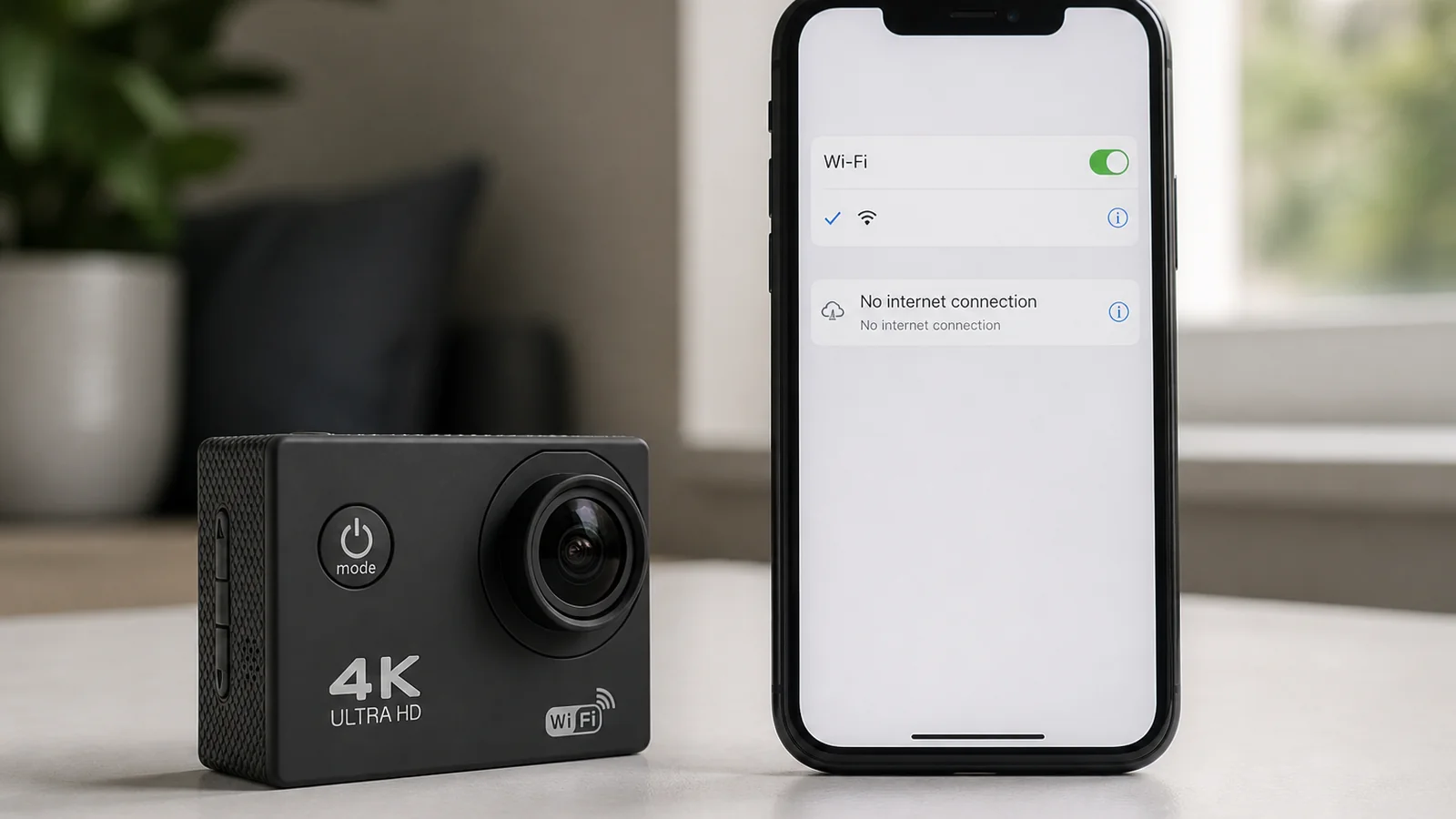
That “No Internet” message is usually normal. The camera opens a local Wi-Fi hotspot for control and file access on a compatible phone; it is not a gateway to the web. Your phone is warning you that this network has no internet route—not that the camera Wi-Fi has failed.
What the camera Wi-Fi is for
On a 4K Wi-Fi action camera bundle such as the G200R, Wi-Fi links a compatible phone for remote control and transferring recordings from the camera. Follow the connection steps in the manual for your handset. Stay on the camera’s network while you browse files or change settings; ignore prompts that push you back to mobile data if you still need that local link.
A wireless remote is also in the kit for simple start/stop-style control without opening the phone network. Use the remote when you only need capture control; keep Wi-Fi for phone framing helpers and file pulls.
Fix path when the link drops or misbehaves
- Expect “No Internet” and stay connected. Choose the camera network anyway. Pass: phone stays on the camera SSID while you work. Fail: phone auto-rejoins home Wi-Fi or mobile data mid-transfer.
- Lock the connection during transfers. Disable automatic network switching if your phone offers it, or keep the screen awake on the camera network until the copy finishes.
- Reconnect from the camera side if needed. Turn camera Wi-Fi off and on as described in the manual, then join again from the phone’s Wi-Fi list.
- Keep range realistic. Body, bag, or distance can drop a local hotspot. Move closer and retry before assuming a fault.
- For large libraries, skip Wi-Fi. Remove the included 64GB TF card and copy files on a computer when you have many clips. That avoids long hotspot sessions and the battery cost that comes with them.
- Switch Wi-Fi off when finished. Idle camera Wi-Fi drains the single 900 mAh pack. With a 1080p reference of about 90 minutes of recording, every unnecessary radio minute matters.
Why the phone keeps dropping back to mobile data
Most UK phones prefer a network that reaches the internet. When the camera hotspot offers none, the handset may leave it for cellular or a known home router. From your point of view the “camera Wi-Fi died”; from the phone’s point of view it “found a better route.” Hold the camera network for the job, complete control or file access, then reconnect to normal internet yourself.
Battery drain linked to Wi-Fi
Leave the hotspot running between takes and you spend the same pack that also drives 4K 30fps or 1080p recording, the 2.0-inch IPS HD non-touch screen, and features such as motion detection or loop recording. Practical habit: enable Wi-Fi only when the phone needs to talk to the camera; disable it for the ride, swim (inside the sealed housing), or hike. Recharge via USB Type-C 2.0 at 5V/1A—about three hours from empty—rather than blaming the battery for an all-day hotspot.
Where this setup fits — and where it does not
Camera Wi-Fi suits quick phone control, reviewing a clip, and pulling a handful of files without opening the housing for the card. It is the wrong tool if you need internet browsing through the camera, unbroken all-day tethering, or bulk offload of a full 64GB card over a weak phone link. For bulk copy, take the card out; for simple capture, prefer the wireless remote and keep Wi-Fi off.
FAQ
Does “No Internet” mean I set it up wrong?
Usually no. The hotspot is for local control and files. Confirm you are on the camera network and that control or transfer works as the manual describes.
Which app should I install?
Use the connection method in the product manual for compatible phones. Do not rely on a guessed third-party app name.
Can I charge while using Wi-Fi?
Charge with USB Type-C 2.0 at 5V/1A when you are stopped and dry. Do not treat charging as a reason to leave Wi-Fi idle all afternoon.
If you want local Wi-Fi control, a wireless remote, and a 64GB card in one kit, see the 4K Wi-Fi action camera bundle — a 4K Wi-Fi action camera bundle such as the G200R uses phone Wi-Fi for on-device access, not as a mobile hotspot with web access.