Non-Touch Action Camera Screens Outdoors: Menus, Sunlight and Buttons
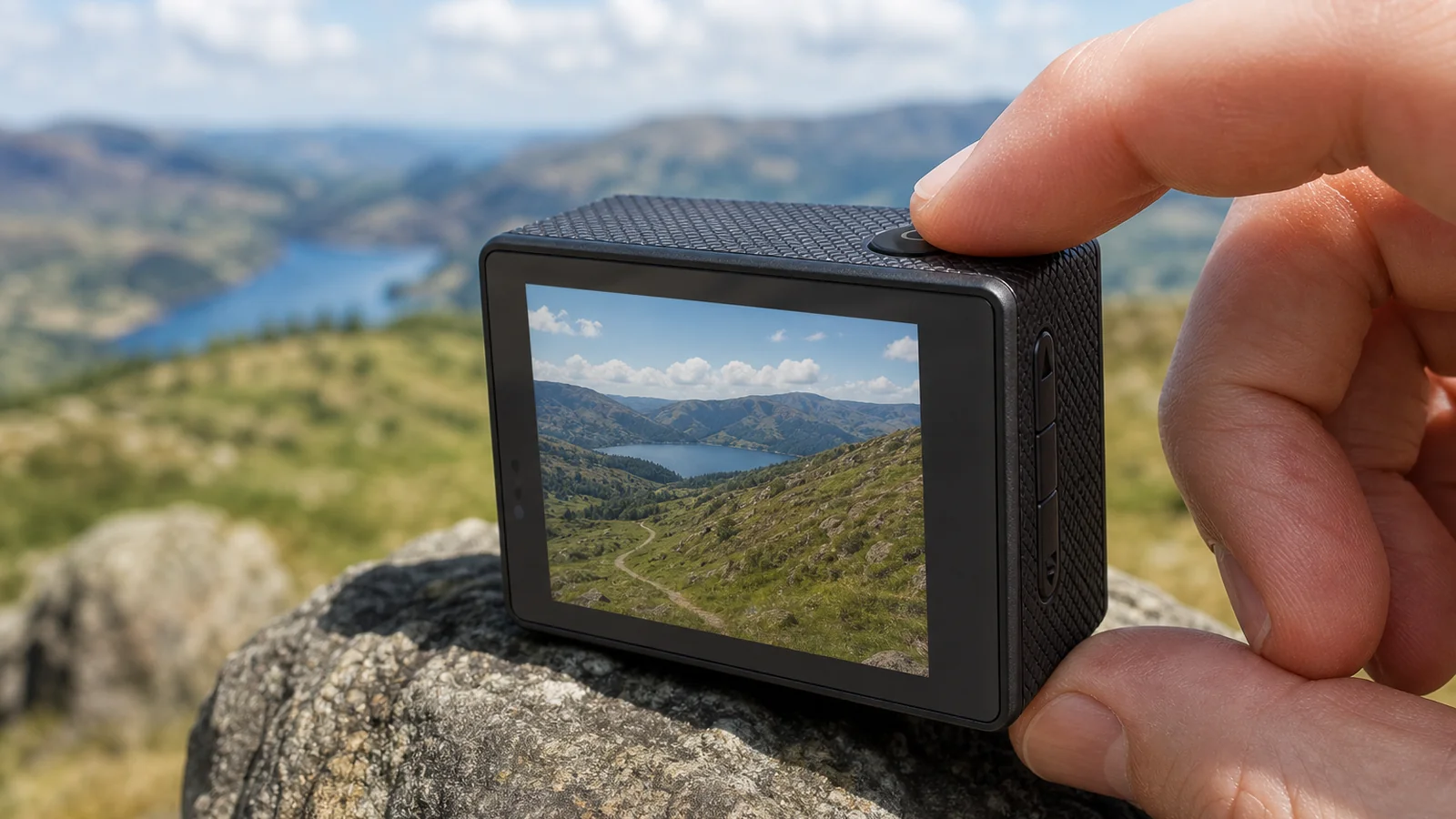
Outdoors in the UK, treat a non-touch action camera screen as a status and menu display you drive with physical buttons—not with swipe gestures. A 4K Wi-Fi action camera bundle such as the G200R uses a single 2.0-inch IPS rear screen that is not touch-sensitive: learn the button layout from the manual, shade the panel when the sun is harsh, and use the wireless remote for start/stop when both hands are busy.
Correct the default assumption: this is not a touchscreen
Many shoppers expect glass that responds to fingertips. This camera’s 2.0-inch IPS HD panel is a single rear screen for framing and menus only. There are no touch gestures to open settings or pinch to zoom. The lens angle is fixed at 140° and is not adjustable from the screen. If a control is not a button on the body or a press on the wireless remote, it is not available as a touch shortcut.
That design keeps gloves and wet fingers from fighting a capacitive layer, but it does mean you should skim the manual once before a coastal walk or bike day so mode changes feel familiar.
Outdoor checklist: menus, light, and buttons
- Learn the button map at home. Power, mode, shutter/record, and menu navigation live on the body. Walk through resolution options (including 4K30 and other MP4 H.264 modes) and 16 MP still capture indoors before you need them in wind.
- Frame first, then lock the mount. Use the screen to confirm horizon and foreground, then tighten the handlebar clamp or strap. Reposition the mount if the bars fill the frame—you cannot zoom on a fixed 140° lens.
- Manage sunlight without inventing brightness numbers. IPS panels vary with angle and glare. Cup a hand over the screen, turn your body so the panel is shaded, or step briefly under a tree or porch. Readability differs by person and weather; do not expect a phone-like automatic brightness story.
- Change settings when stopped. Pull over safely to switch modes. Do not stare into the rear screen in traffic.
- Use the wireless remote when hands are full. Start and stop recording from wrist or bar without poking tiny buttons mid-ride. Keep Wi-Fi off unless you need optional phone preview or file transfer per the manual—Wi-Fi increases drain on the 900 mAh battery.
- Housing on or off affects how you reach buttons. On dry land you may remove the waterproof case for easier presses and cooler running. For water, only use the sealed housing (up to 30 m when correctly closed); the body must not go in water alone. Operating through the closed shell is slower—practice the button feel before a swim session.
- Plan power like any single-battery outdoor tool. About 90 minutes of 1080p recording is a useful planning figure; USB-C charging takes roughly three hours at 5 V/1 A. Carry the cable if your day exceeds one charge cycle.
Boundaries
- 2.0-inch IPS single rear screen—not touch-controlled; no gesture UI.
- Fixed 140° field of view; no on-screen zoom.
- Sunlight readability is situational; this article does not claim a nit rating or lab brightness score.
- Wireless remote helps capture control; detailed menus remain on-camera buttons.
- Waterproof rating applies to the sealed housing up to 30 m, not to the bare body.
- Do not assume every action camera screen behaves like a phone touchscreen.
FAQ
Why will the screen not respond to taps?
Because it is not a touchscreen. Use the physical buttons and the manual’s menu path.
Can I still see the screen in bright midday sun?
Often yes from a shaded angle, but glare varies. Shade the panel or adjust your stance rather than pressing harder on the glass.
What if I need to record while wearing gloves?
Set the mode beforehand, then use the wireless remote for start and stop so you are not hunting small buttons with thick gloves.
If you want a single-screen outdoor kit with buttons, remote, housing, and mounts included, see the 4K Wi-Fi action camera bundle — a 4K Wi-Fi action camera bundle such as the G200R uses a 2.0-inch IPS screen that is not touch-controlled.